See a video you love.
Learn how to make it.
Understand how a reference video was made: its shots, captions, and sound. Get a practical plan for making your own.
Analysis and a production plan, not a finished video. Currently runs inside an AI coding assistant.
One reference video.
A plan you can follow.
Explore a real product-video breakdown alongside this explanation. See what to film, what to generate, and which captions and sounds to add separately.
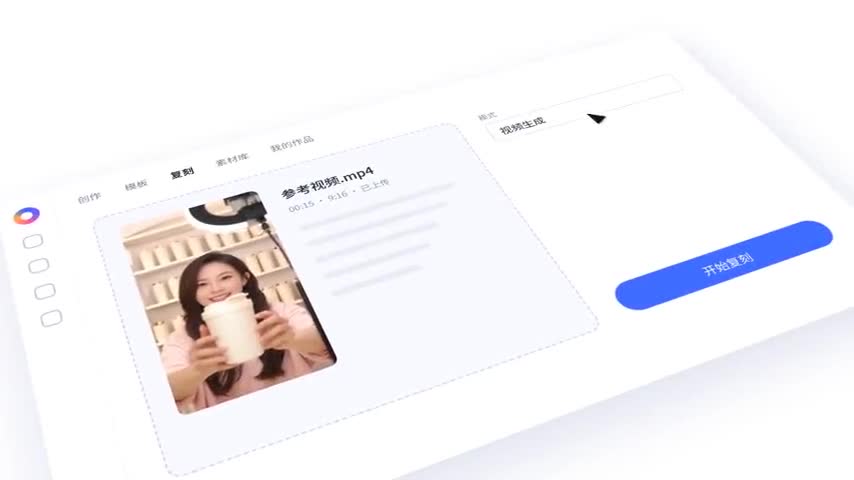 00:00–00:08.87
Rebuild the interface and motion in code. The clip inside the player still needs source footage.
What would you like to make?
All breakdowns ↗Make a product video
A single code project can rebuild most of this promo. The embedded recordings still need real source material.

Create a character dialogue
AI dialogue, code-built UI and a real screen recording share one timeline.
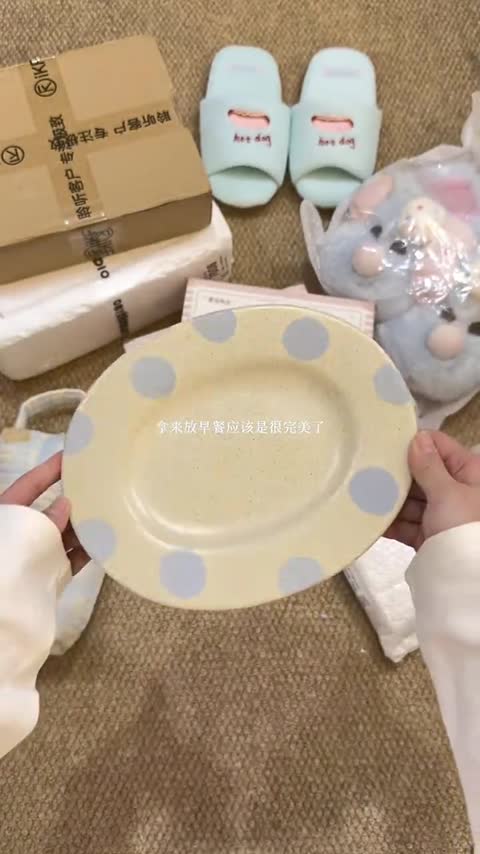
Film an unboxing
An overhead setup and room sound do the work. Review matters when platform compression obscures the evidence.
Turn “how?”
into a plan.
Bring a reference
Follow the setup guide, then give a local reference video to an AI coding assistant such as Claude Code or Codex.
Read the production
Inspect each shot, text layer and audio cue, with evidence and uncertainty kept visible.
Leave with a plan
Get a material list and a route for every shot: film it, generate it, or build it in code.
New here? Start with the basics.
You do not need the technical vocabulary to explore a breakdown.
Read a complete example ↗Do I need editing experience?
Start with the example frames, shot list, and steps. They explain the approach; making your own video may still require learning filming or editing tools.
Does it create the finished video?
Not currently. rea-video analyzes a reference and provides a production plan. You use filming, generation, and editing tools to make the final video.
What do I need? Can I upload here?
You need a local video file and an AI assistant that can run command-line tools. This website offers examples and guides, not browser uploads. The docs explain setup.
Is it free?
The rea-video core is open source and free to obtain. Your AI assistant or model provider may charge separately, depending on the service you choose.
Will it recover the exact original method?
No guarantee. It infers techniques from visible evidence and flags uncertainty. The plan is not the creator’s original project file or prompt.
Start with the video you saved.
Explore an example first, or follow the docs to set it up in your AI coding assistant.
Follow the setup guide ↗